Bitonic App
Download from Google Play
Download from the App Store
Download from Google Play
Download from the App Store
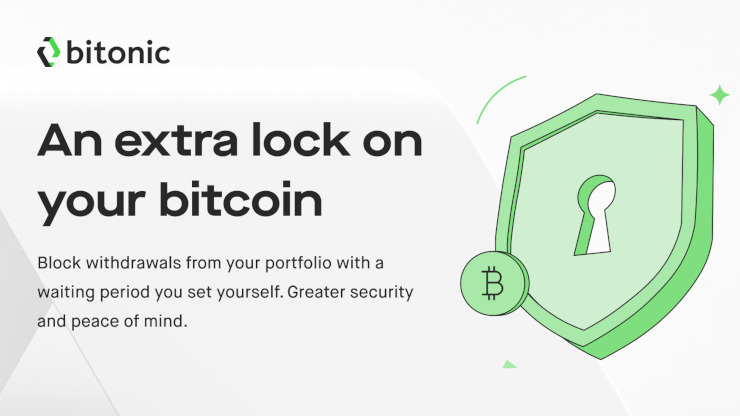
New in the Bitonic app: the withdrawal block. Set up a block with the cooldown that suits you and add another layer of security to your bitcoin. While the block is active, you can't withdraw bitcoin from your portfolio. To withdraw again, you lift the block and wait out the time you chose.
The withdrawal block is an extra layer of security for the bitcoin in your Bitonic portfolio. The block stays active until you lift it. Until then, bitcoin withdrawals are disabled.
You decide whether to use the block. Set the waiting period yourself, from 24 hours up to 180 days, for greater security and peace of mind.
You choose the waiting period, also known as the cooldown period, when you set the block. You can lift the block at any time, but it doesn't take effect immediately:
Changed your mind during the waiting period? Then cancel the lift. The block is fully active again, with the full waiting period.
A bitcoin transaction generally can't be reversed. The withdrawal block makes withdrawing a deliberate choice: the waiting period you chose sits between lifting the block and making a withdrawal.
You can use that time to think it over or to spot that something is wrong. Did you get an email about your block being lifted when you didn't do this yourself? Cancel the lift in the app and contact us right away.
First, update the Bitonic app to the latest version. Then set the block as follows:
The withdrawal block works best in combination with these measures:
Do you see something in your account you don't recognise? Contact us right away at contact@bitonic.nl. You'll find more advice in our safety tips.
The chat service is a service provided by MessageBird B.V. which is (a.o.) subject to the EU General Data Protection Regulation (GDPR) and states they do not use your data for commercial gain. In order to load the Chat we ask you to consent to the processing of any data shared with us using the chat. By closing this window without giving consent the chat will not load and no data will be shared.
For more information please review the MessageBird Privacy Policy.